Available now on App Store

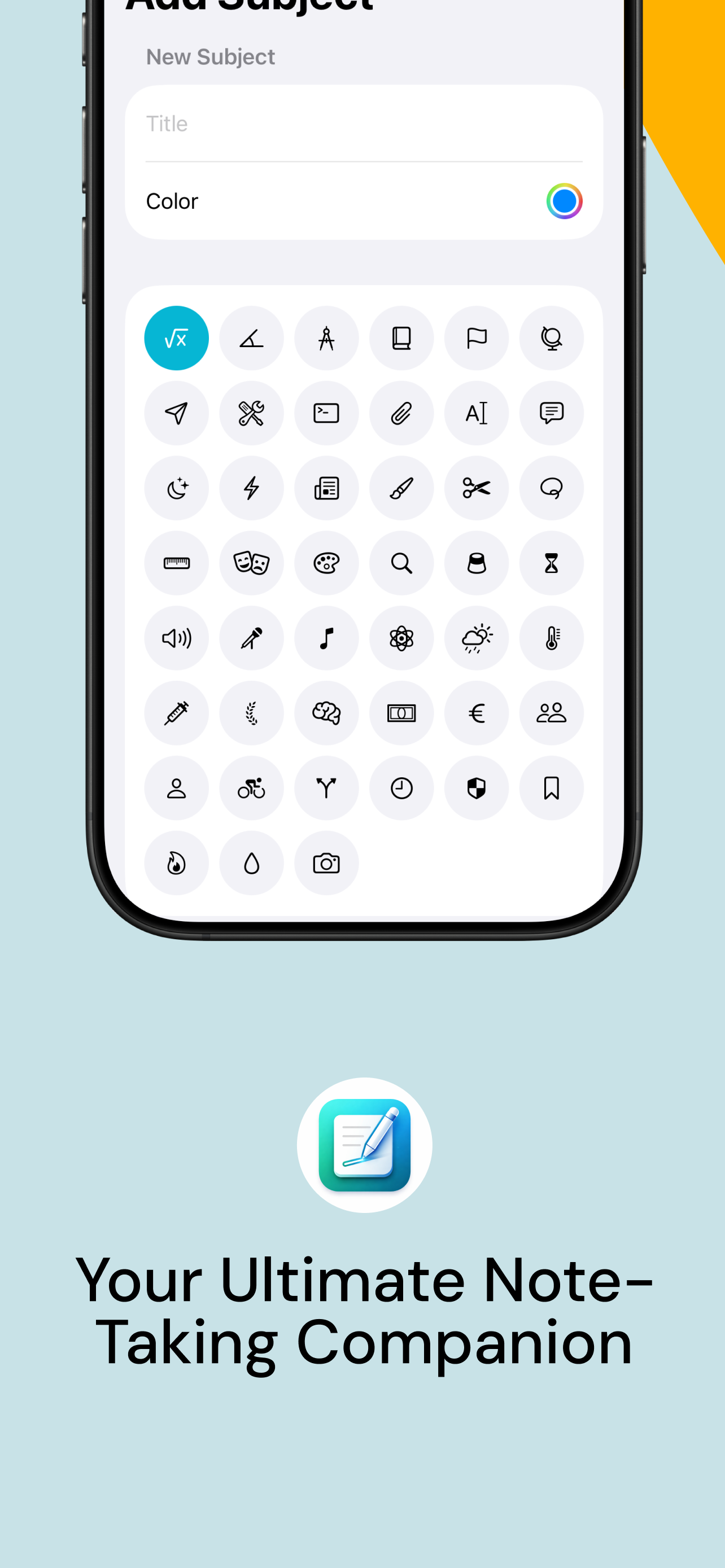
Your Ultimate
Note-Taking
Companion

The all-in-one productivity app designed for students and creatives. Infinite canvas, smart organization, custom templates, and powerful tools — all in one beautiful app.

10+ Languages
Canvas
100% Free
Ultra Note infinite canvas showing brain-storming and project planning
Scroll to explore

Everything you need,
nothing you don't

Ultra Note combines powerful note-taking tools with smart productivity features to help you stay organized and creative.

Infinite Canvas

Visualize your ideas without boundaries. Write, draw, sketch, and brainstorm on an unlimited canvas that grows with your creativity.

Infinite canvas feature

Custom Templates

Choose from blank, checkered, lined, or dotted paper. Portrait or landscape — your perfect writing surface awaits.

Built-in Schedule

Organize your classes and manage your weekly timetable effortlessly with the integrated schedule planner.

Task Management

Never miss an important deadline again. Track tasks with due dates and subject-based categorization.

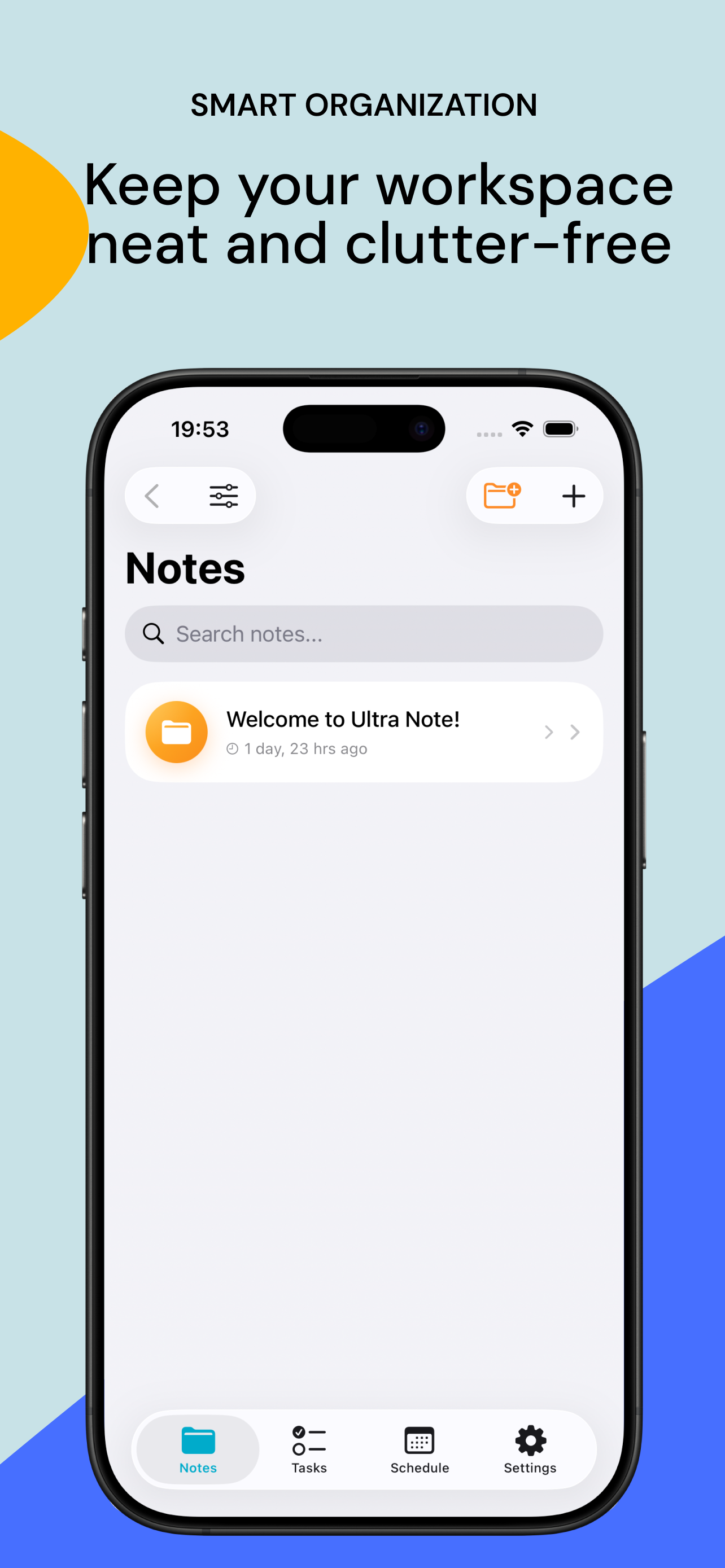
Smart Organization

Keep your workspace neat and clutter-free with folders, subjects, and smart search across all your notes.

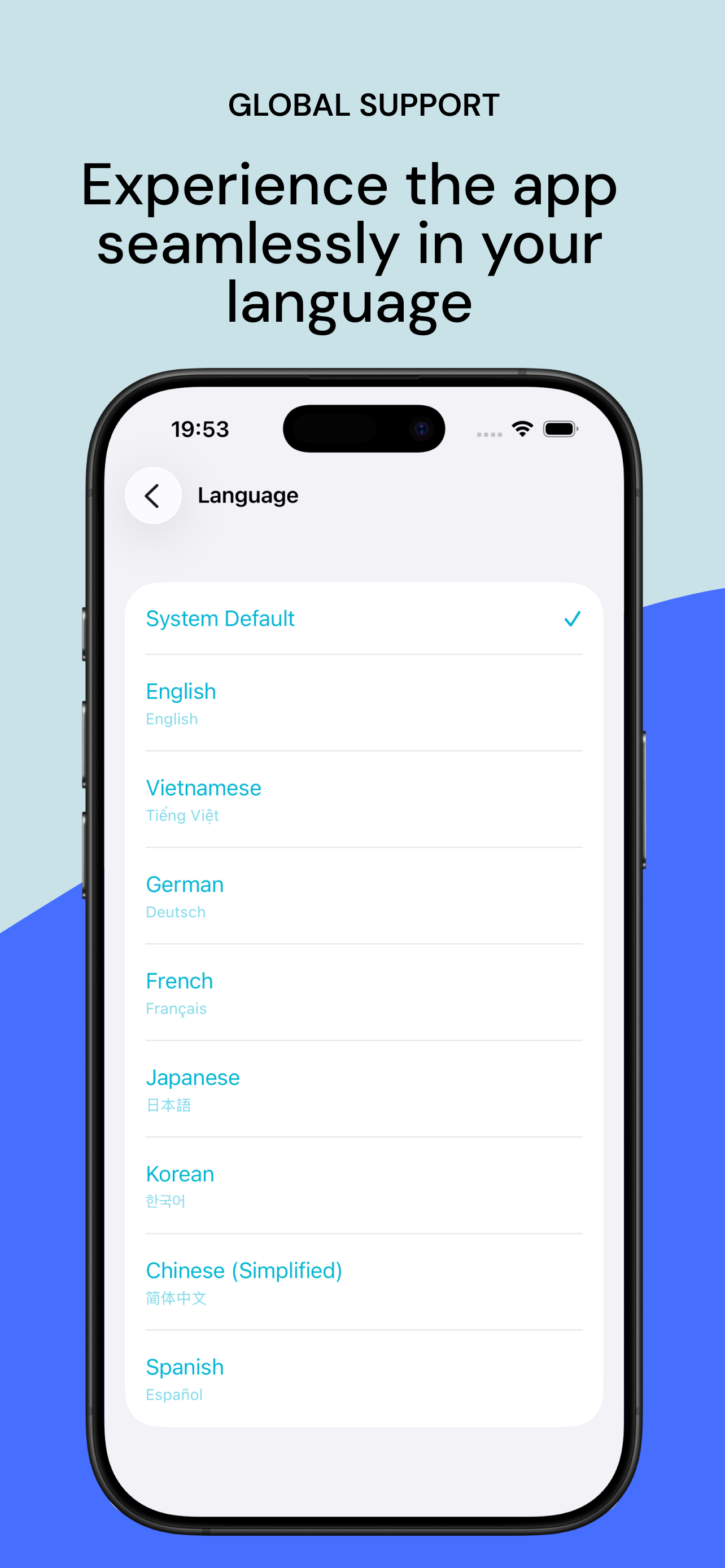
10+ Languages

Experience the app seamlessly in your language. English, Vietnamese, German, French, Japanese, Korean, Chinese, Spanish, and more.

English Tiếng Việt Deutsch Français 日本語 한국어 简体中文 Español

See Ultra Note
in action

From brainstorming sessions to organized schedules, Ultra Note adapts to your workflow.

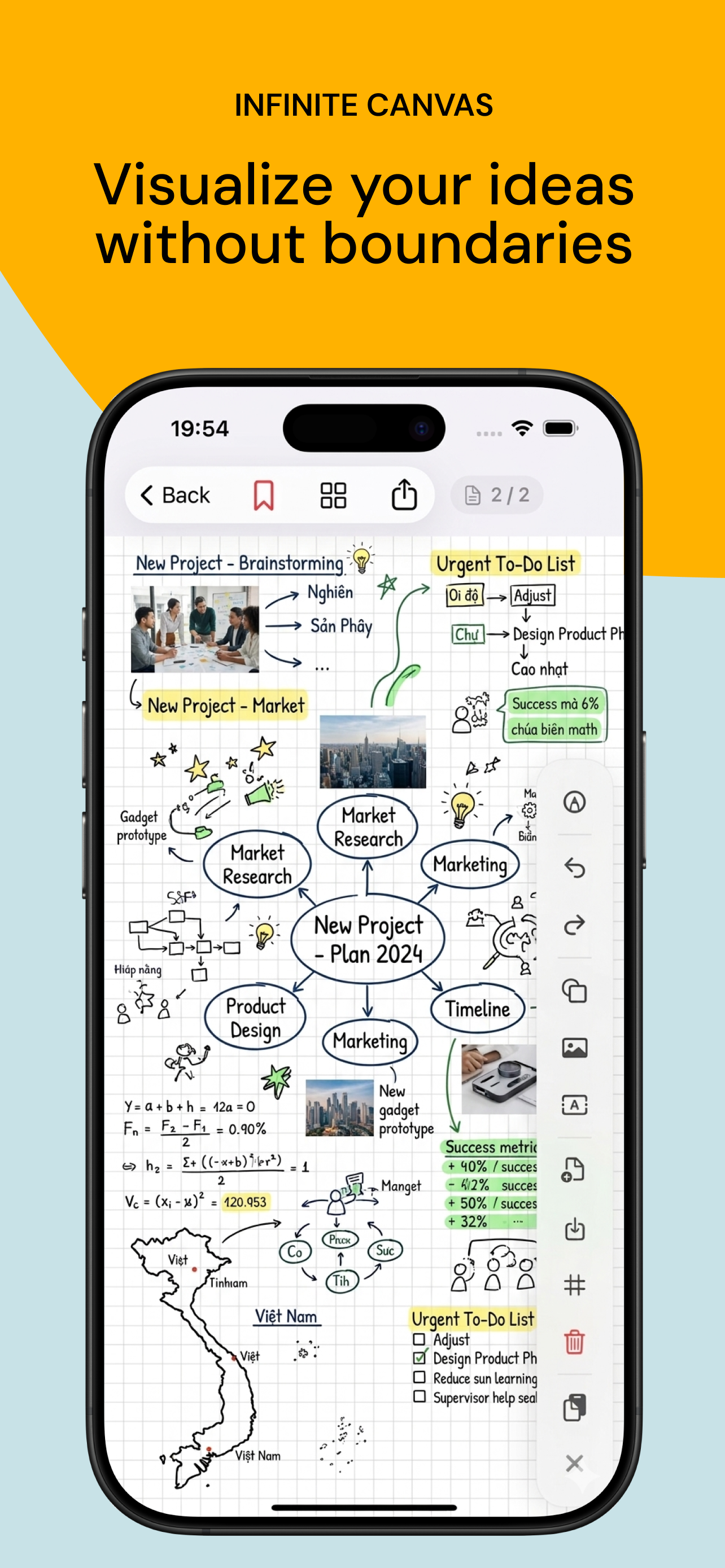
INFINITE CANVAS

Visualize your ideas without boundaries

Transform your thoughts into visual masterpieces. Add text blocks, images, drawings, mind maps, and mathematical equations — all on one boundless canvas. Perfect for brainstorming, project planning, and creative thinking.

  • Handwriting with Apple Pencil
  • Add images and text blocks
  • Unlimited zoom and pan
Infinite canvas with mind map and brainstorming
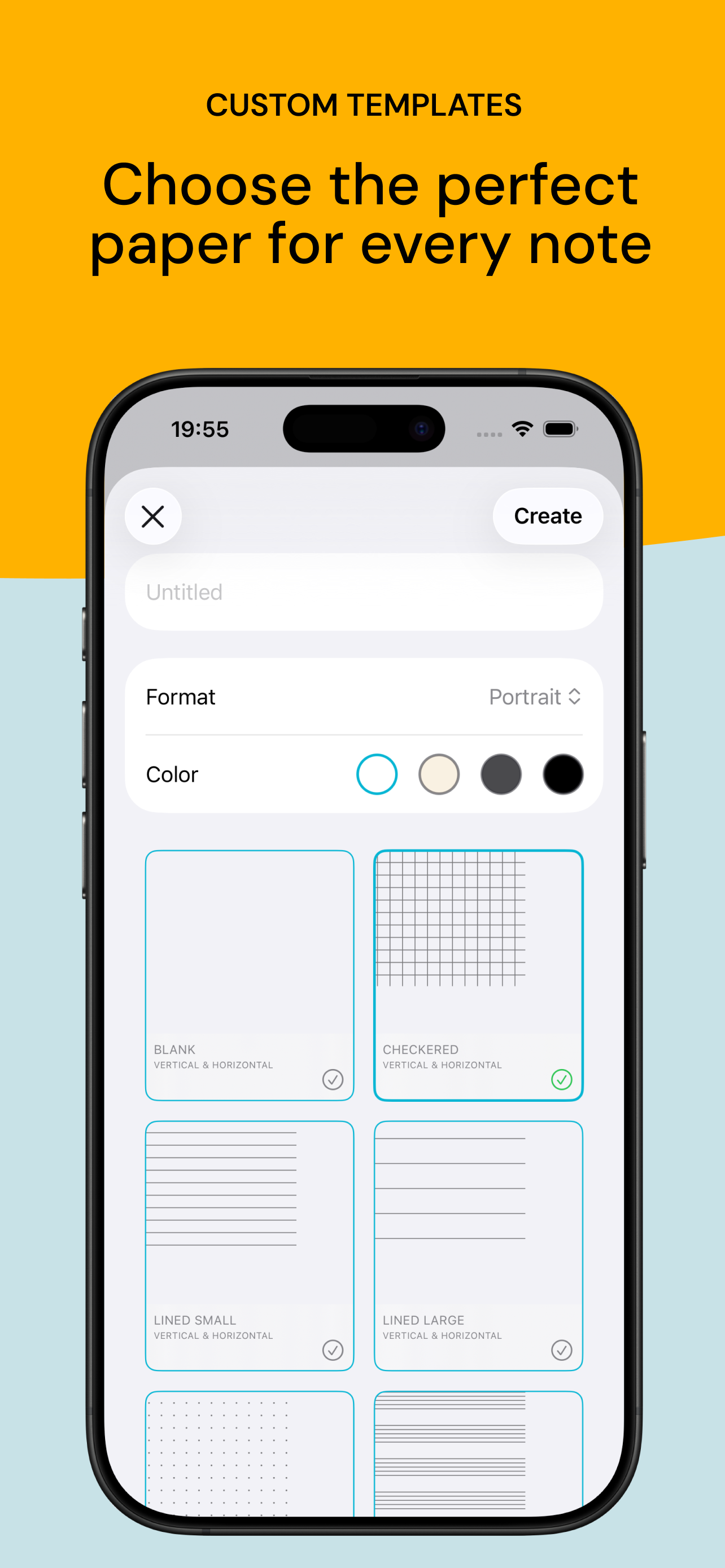
CUSTOM TEMPLATES

Choose the perfect paper for every note

Start every note with the right foundation. Choose from blank, checkered, lined, or dotted patterns. Select your preferred page color and orientation to create your ideal writing environment.

  • 6+ paper templates
  • Portrait & Landscape
  • Multiple page colors
Custom templates selection screen
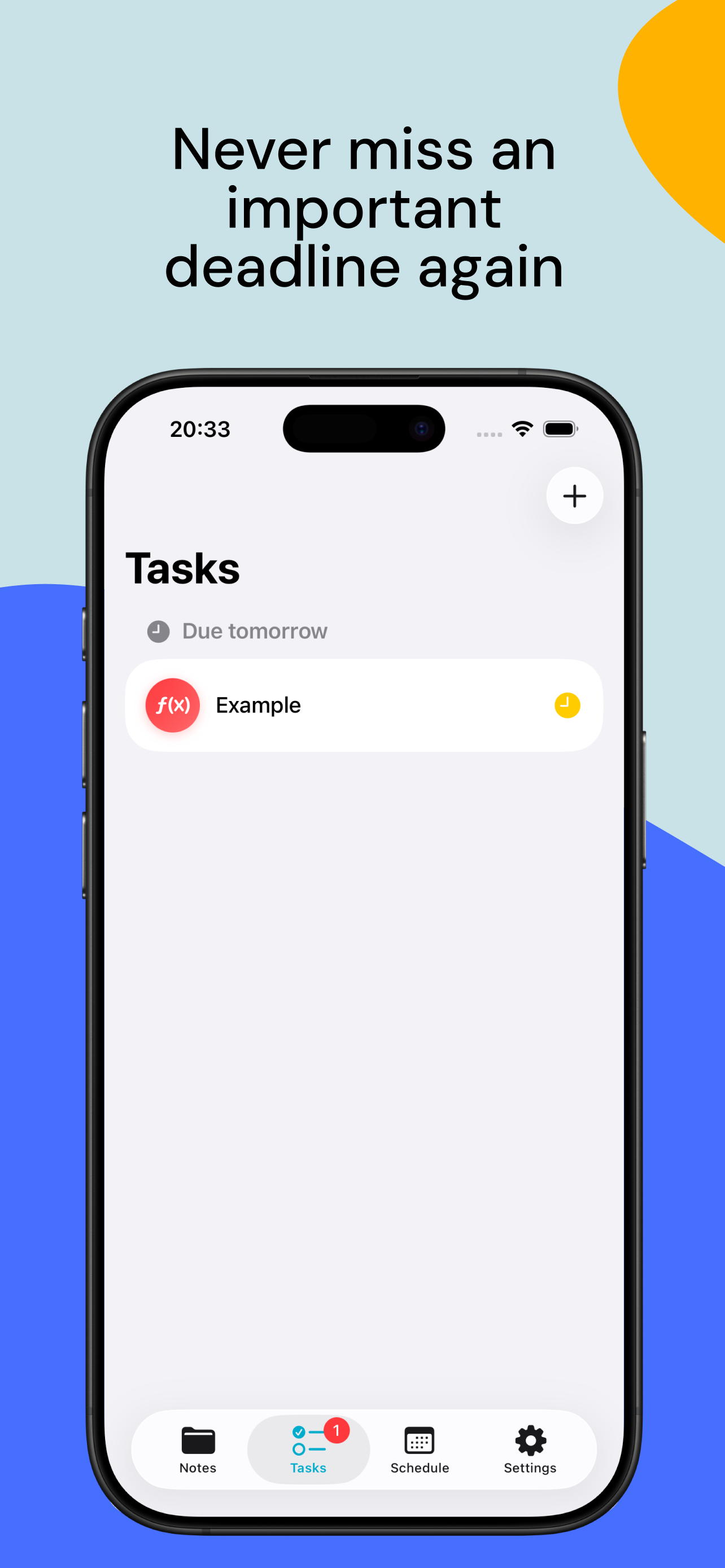
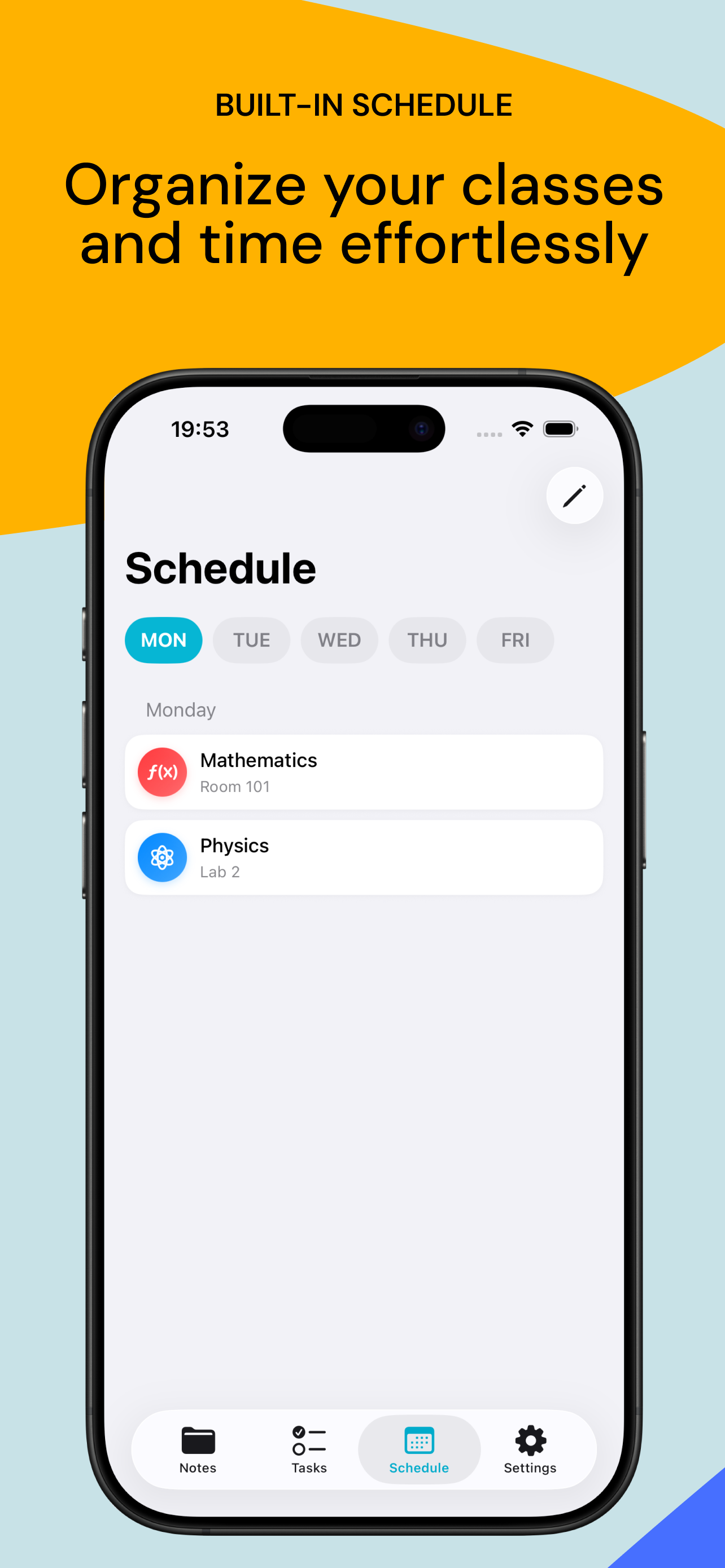
SCHEDULE & TASKS

Organize your classes and time effortlessly

Plan your entire week with the built-in schedule manager. Add subjects, rooms, and track your tasks with smart deadline reminders. Stay on top of your academic life.

  • Weekly schedule planner
  • Task deadline reminders
  • Subject-based categories
Tasks view with deadlines
Schedule view with classes

Beautiful on every
Apple device

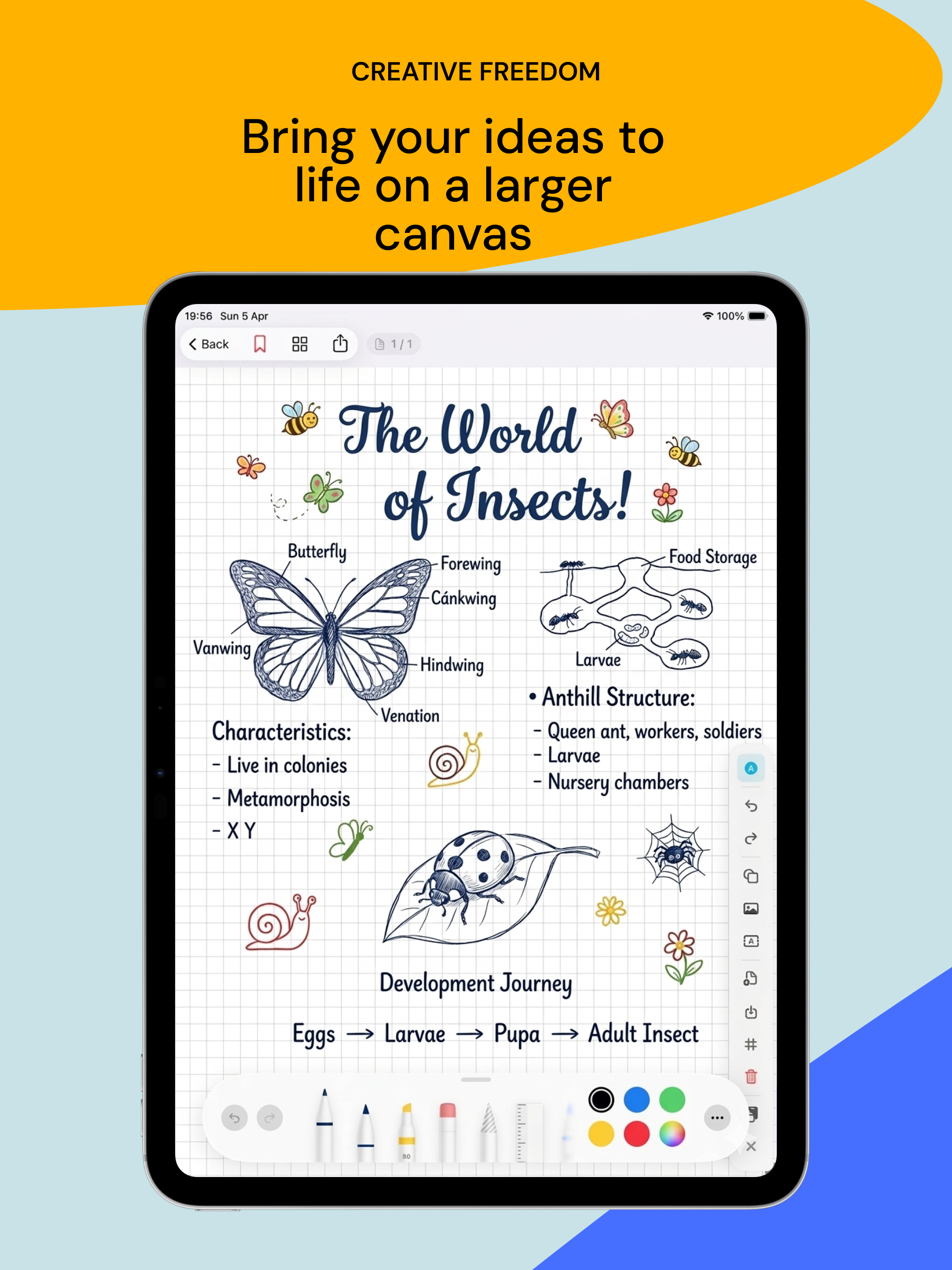
Designed natively for both iPhone and iPad. Enjoy the full Ultra Note experience on a larger canvas with Apple Pencil support.

Ultra Note on iPad showing creative notes with Apple Pencil

Apple Pencil Support

Natural handwriting experience with pressure sensitivity

Larger Canvas

More screen real estate for detailed notes and drawings

Optimized Layout

Interface designed for both tablet and phone form factors

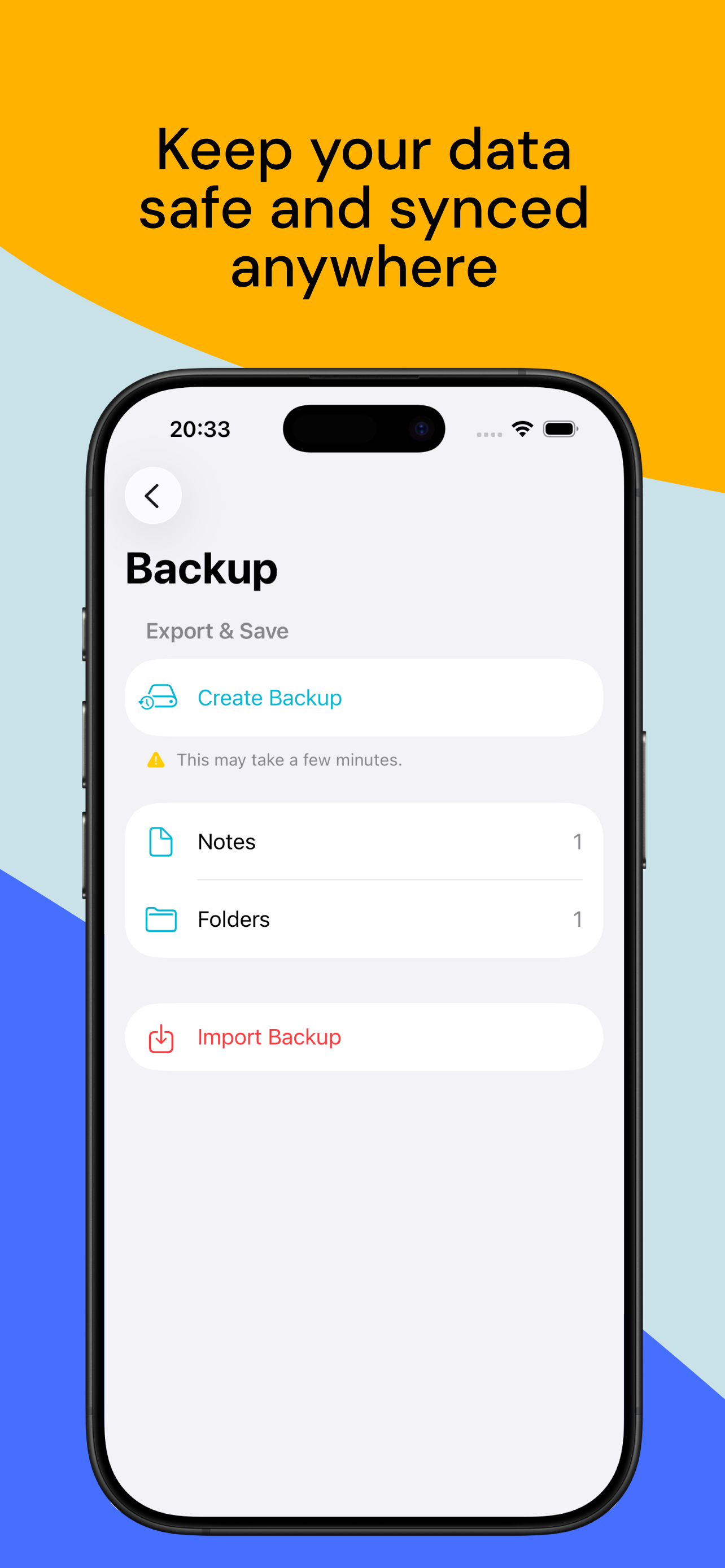
Backup & Sync

Keep your data safe with easy export and import

Loved by students
worldwide

★★★★★

"The infinite canvas is a game changer! I use it for all my brainstorming sessions and project planning. Best note app for students."

M
Minh T. Engineering Student
★★★★★

"Finally an app that combines notes, schedule, and tasks in one place. The multi-language support means my whole study group can use it!"

S
Sarah K. Med Student
★★★★★

"The custom templates and iPad support with Apple Pencil make this perfect for sketching and note-taking in class. Absolutely love it!"

L
Lucas W. Design Student
Ultra Note app icon

Ready to transform
your note-taking?

Download Ultra Note for free today and join thousands of students who are already boosting their productivity.

Download on the App Store
Free to download. No subscription required.